
Export WhatsApp Contacts to CSV, Excel & More
Extract phone numbers from WhatsApp groups, chats, labels, and countries. Download your contacts in seconds — no coding required.
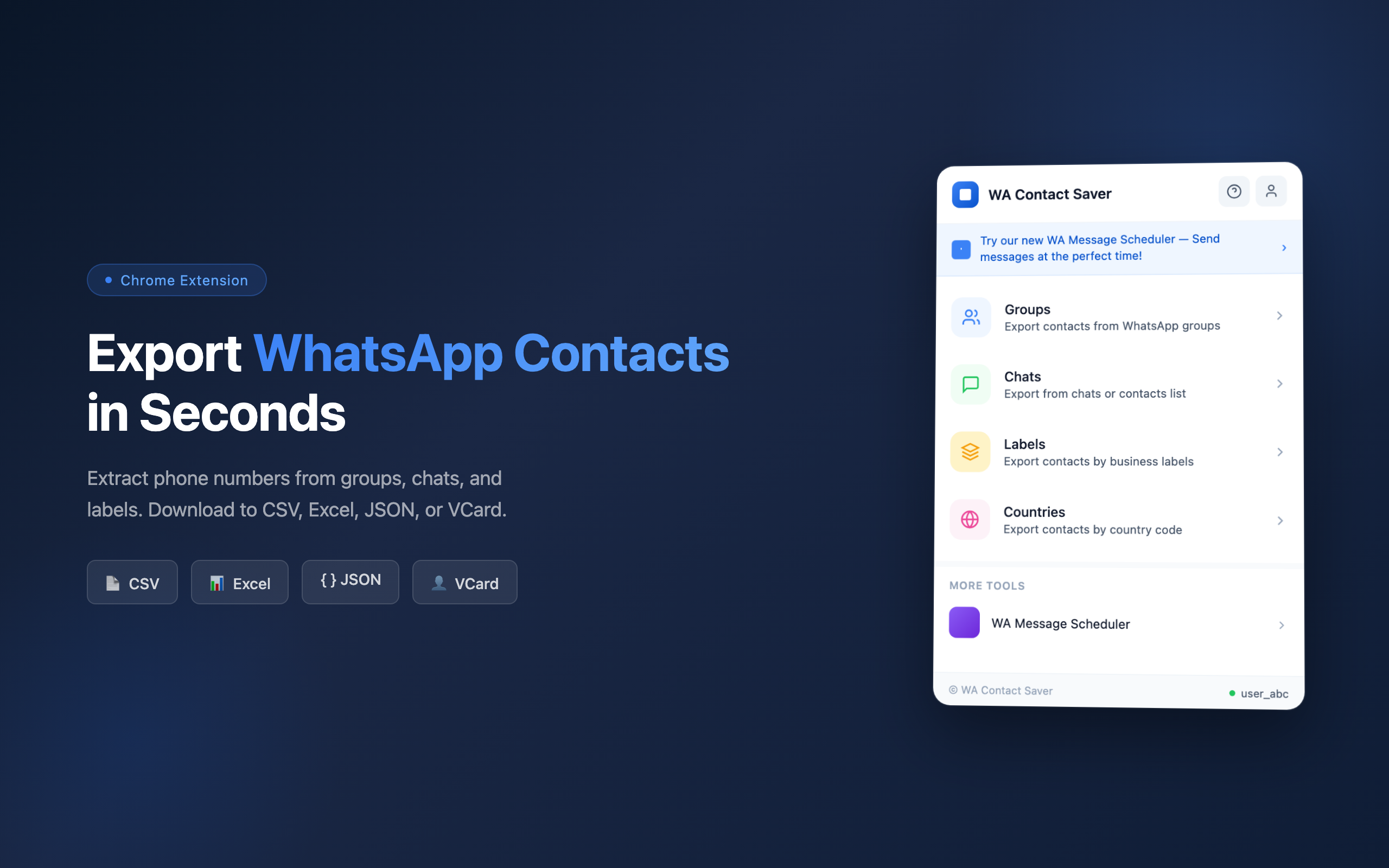
Everything You Need to Export WhatsApp Contacts
WA Contact Saver gives you four powerful ways to export your WhatsApp contacts, each designed for a different workflow.
Groups
Select any WhatsApp group and extract all member contacts with phone numbers, names, and profile information. Perfect for sales teams working with group leads.
Chats
Export your entire chat list or contacts, including both saved and unsaved numbers. Great for backing up your contact database.
Labels
Using WhatsApp Business? Export contacts organized by your custom labels. Ideal for segmented marketing campaigns.
Countries
Filter and export contacts by country code. The only tool that lets you target contacts by region for localized outreach.
Export Contacts in 3 Simple Steps
No technical skills needed. WA Contact Saver works right inside your browser.
Open WhatsApp Web
Sign in to web.whatsapp.com and make sure you're connected.
Choose Your Source
Click the WA Contact Saver icon and select Groups, Chats, Labels, or Countries.
Export & Download
Select the items you want, hit Export, and download your file as CSV, Excel, JSON, or VCard.
Download in Your Preferred Format
Every export includes full contact details: country code, phone number, saved name, public name, business status, labels, and group membership.
CSV
Open in any spreadsheet app or import directly into your CRM system.
Excel (.xlsx)
Ready for Microsoft Excel or Google Sheets with formatted columns and headers.
JSON
Structured data format perfect for developers and automation workflows.
VCard (.vcf)
Import contacts directly into your phone, Gmail, or Outlook address book.
Your Data Stays on Your Device
Privacy matters, especially when dealing with contact information. WA Contact Saver processes everything locally in your browser. Your contacts are never uploaded to any server. Exported files are saved directly to your computer. We never read or store your WhatsApp messages.
100% Local Processing
No Server Uploads
Messages Never Read
Ready to Export Your WhatsApp Contacts?
Join thousands of users who save time managing their WhatsApp contacts. Install WA Contact Saver and export your first contacts in under a minute.